twpcap
Network sensor by packet capture for TWSNMP FC
| English | 日本語 |

Overview
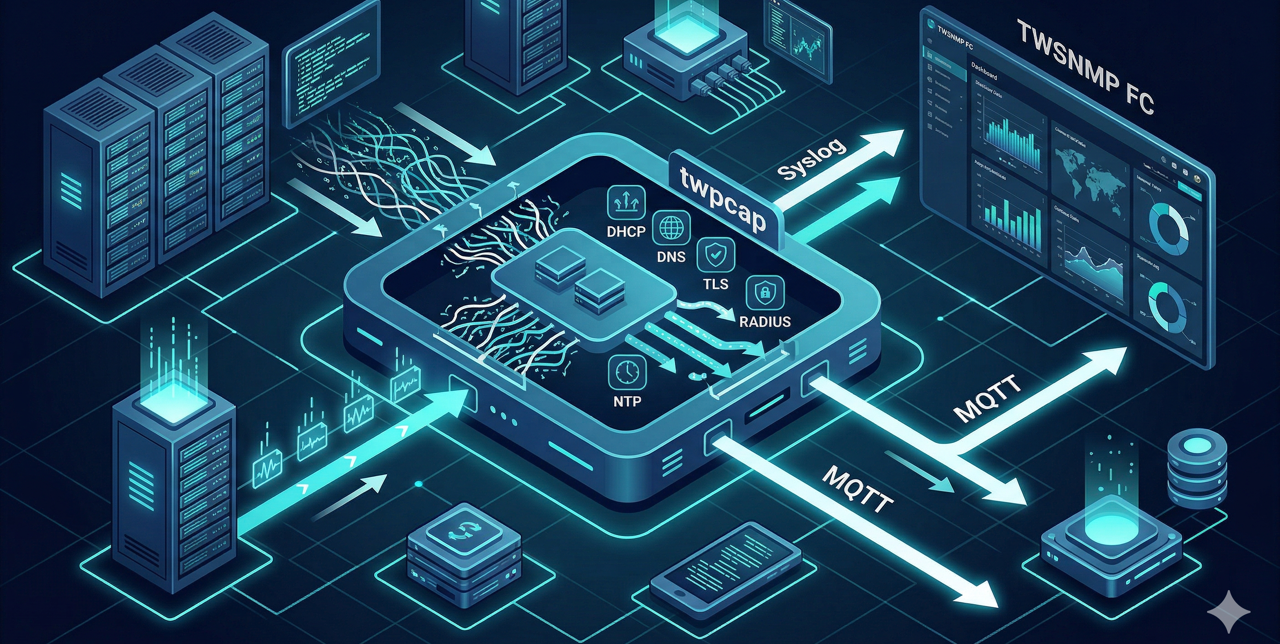
A sensor program that sends information required for monitoring with TWSNMP FC from packet capture via syslog or MQTT. The current version can obtain the following information:
- Statistics of the number of monitored packets
- Aggregation of Ethernet packet types on the network
- Relationship between IP addresses and MAC addresses (ARP, IPv4, IPv6)
- DHCP server and client information
- DNS server and client query information
- NTP server information
- RADIUS server and client information
- TLS communication information between server and client (TLS version, cipher suite)
- Resource monitor (CPU, Memory, Load, Network speed)
Status
- v1.0.0 released. (2021/7/16)
- v1.1.0 released. (2021/7/26)
- v1.2.0 released. (2021/8/9)
- v1.2.1 released. (2021/8/21)
- v2.0.0 released. (MQTT support, environment variable support)
- v2.0.1 released. (2026/7/23) (Dependency update for CVE-2026-25680, build/release workflow improvements, and documentation updates)
Download
Executable Binary
You can download the pre-compiled binaries for various platforms from GitHub Releases.
Docker Image
The Docker image is distributed via GitHub Container Registry (ghcr.io).
docker pull ghcr.io/twsnmp/twpcap:latest
Build
Build using make.
$ make
The following targets can be specified:
  all        Build all executables (optional)
  mac        Build for Mac
  docker     Build Docker Image
  clean      Delete built executables
  zip        Create ZIP file for release
Running it will create executables for MacOS, Windows, Linux (amd64), and Linux (arm) in the dist directory.
To create a Docker image:
$ make docker
A Docker image named twsnmp/twpcap will be created.
Run
Usage
Usage of ./twpcap:
  -debug
    	debug mode
  -iface string
    	monitor interface
  -interval int
    	syslog send interval(sec) (default 600)
  -list
    	list interface
  -mqtt string
    	mqtt destination list
  -mqttclient string
    	mqtt client id (default "twpcap")
  -mqttpassword string
    	mqtt password
  -mqtttopic string
    	mqtt base topic (default "twpcap")
  -mqttuser string
    	mqtt user name
  -retention int
    	data retention time(sec) (default 3600)
  -syslog string
    	syslog destnation list
Destination Settings
Syslog
You can specify multiple syslog destinations separated by commas. You can also specify the port number.
-syslog 192.168.1.1,192.168.1.2:5514
MQTT
Specify the destination for the MQTT broker. If a username or password is required, use the respective options.
-mqtt 192.168.1.100:1883 -mqttuser user -mqttpassword pass
MQTT topics will have the protocol name appended under the base topic specified by -mqtttopic (e.g., twpcap/DNS, twpcap/TLS, etc.).
List of LAN Interfaces for Packet Capture
You can display them with the following command:
# ./twpcap -list
How to Start
You need a LAN interface to monitor (-iface) and a destination (-syslog or -mqtt).
# ./twpcap -iface eth0 -syslog 192.168.1.1
It is also possible to configure using environment variables.
Example: TWPCAP_IFACE=eth0, TWPCAP_SYSLOG=192.168.1.1
Copyright
See LICENSE.
Copyright 2021-2026 Masayuki Yamai